Snowball Client:
https://aws.amazon.com/importexport/tools/
Snowball Documentation:
http://docs.aws.amazon.com/AWSImportExport/latest/ug/AWSImportExport-ug.pdf
https://docs.aws.amazon.com/AWSImportExport/latest/ug/using-client-commands.html


snowball start –i <snowball ip> -m "E:\Snowball\jobName\xxnxnxnnxnnxnxnxn_manifest.bin" -u xxxxx-nnnnn-bbbbb-ccccc-ggggg
The command above extracts the manfiest and sets up a secure channel to talk to the device from the server. Once this is in place, we can then use additional command
snowball ls
This will list the folders on the device, you should find that the device has a folder with the same name as the job you created in the aws console.
s3://jobname
Now I created a subfolder
snowball mkdir s3://jobname/subfolder
Now you can run a test, before you waste time on a full run
snowball test -r -t 5 “\\sourceserver\folder"
Then to copy the files to the device, this will create version3 within the subfolder on the snowball device.
snowball cp --recursive \\sourceserver\myfolder s3://jobname/subfolder
C:\Temp\z>snowball test -r -t 5 .
Performing a speed test for 300 second(s)
Pre-checking your source files and folders...
Files scanned: 823
Totals: [Speed:49.8 MB/s | 812/823 files | 20.87 GB/21.95 GB | Test Remaining Time: 0 sec(s)]]]]]ec(s) ]]]]
+-----------------------------------------------------------------------------+
|Test Result: |
| Total size: 21.95 GB |
| Average Disk Read and Encryption Speed: 71.17 MB/s |
| If the network card speed on your workstation is |
| 1 Gbit - Estimate speed: 71.17 MB/s Estimate time: 5 min(s) 15 sec(s) |
| 10 Gbit - Estimate speed: 71.17 MB/s Estimate time: 5 min(s) 15 sec(s) |
| Device needed: 1 |
+-----------------------------------------------------------------------------+
C:\Temp\z>snowball cp --recursive . s3://zoran-snowball/temp
Pre-checking your source files and folders...
Files scanned: 823
+--------------------------------------------------------------------------------+
|Average Speed: 68.33 MB/s |
|Total Bytes Transferred: 21.95 GB/21.95 GB |
|Total Transfer Time: 5 min(s) 29 sec(s) |
|Total Files Transferred: 823/823 |
+--------------------------------------------------------------------------------+
My script:
rem PATH=%PATH%;C:\Program Files (x86)\SnowballClient\bin;C:\Program Files\7-zip
echo %time%
7z a -t7z -mx=0 "\archive\archive9.7z" "\\123.123.123.123\Photoarchive9\"
dir "\archive\archive9.7z"
echo %time%
snowball cp "\archive\archive9.7z" "s3://my-snowball/archive9.7z"
snowball ls "s3://my-snowball/archive9.7z"
echo %time%
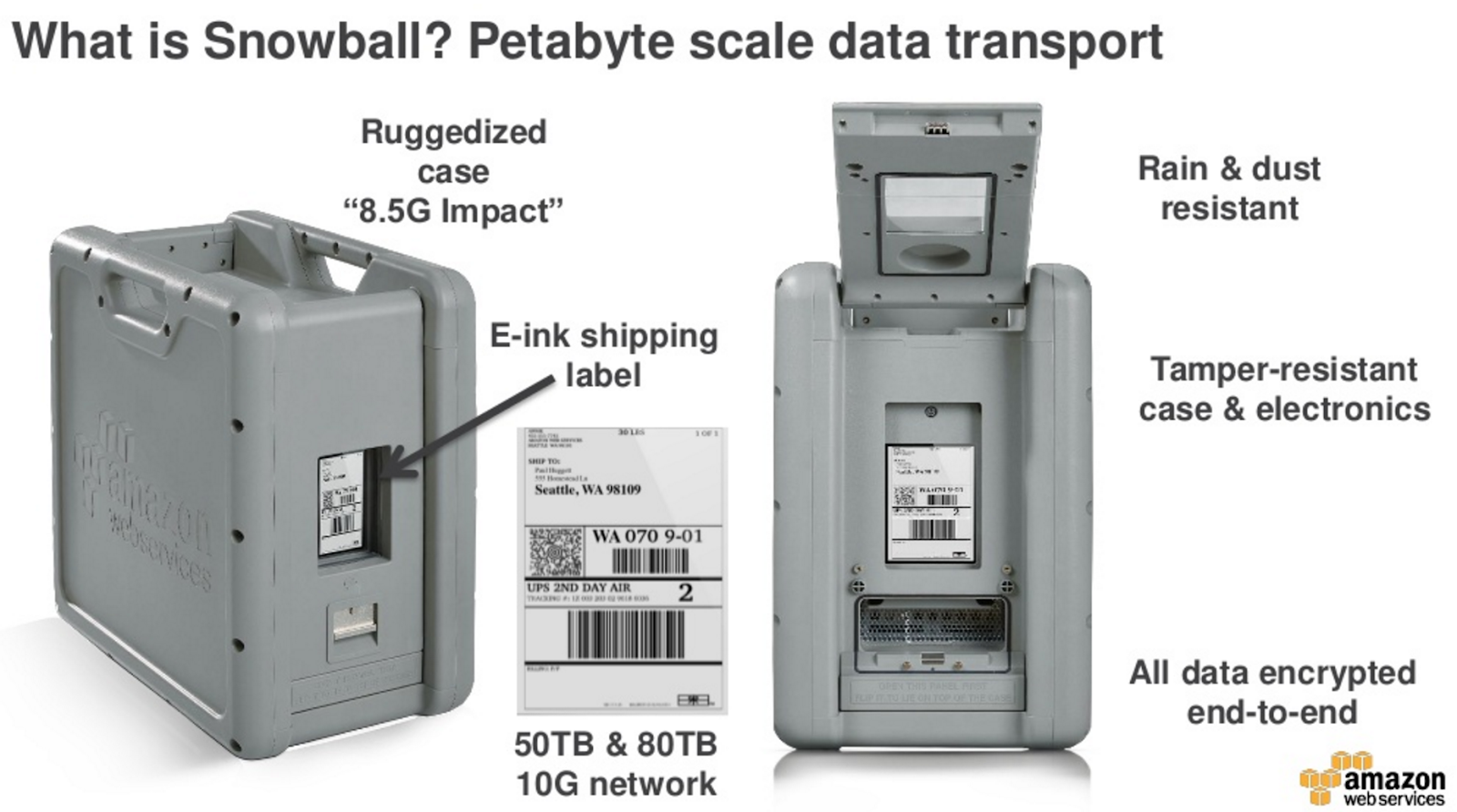
Here are some photos:


Proprietary screws:


It has return shipping address as Schenker in Alexandria....Hmmm, I wonder where the AWS data centre is located? :)

A few notes from my experience:
- can not schedule Snowball to arrive at specific date
- 5 days for Snowball to arrive
- a week to create archives before moving archives to Snowball (as Snowball does not retain file metadata such as timestamps), lots of shuffling of data as we do not have massive amount of free storage to create archives
- a week to upload to archives to Snowball
- 9 days for Snowball to arrive at AWS
- 5 days to import data from Snowball to S3 bucket
- Snowball disks are not redundant!!!
No comments:
Post a Comment